Map the camouflage
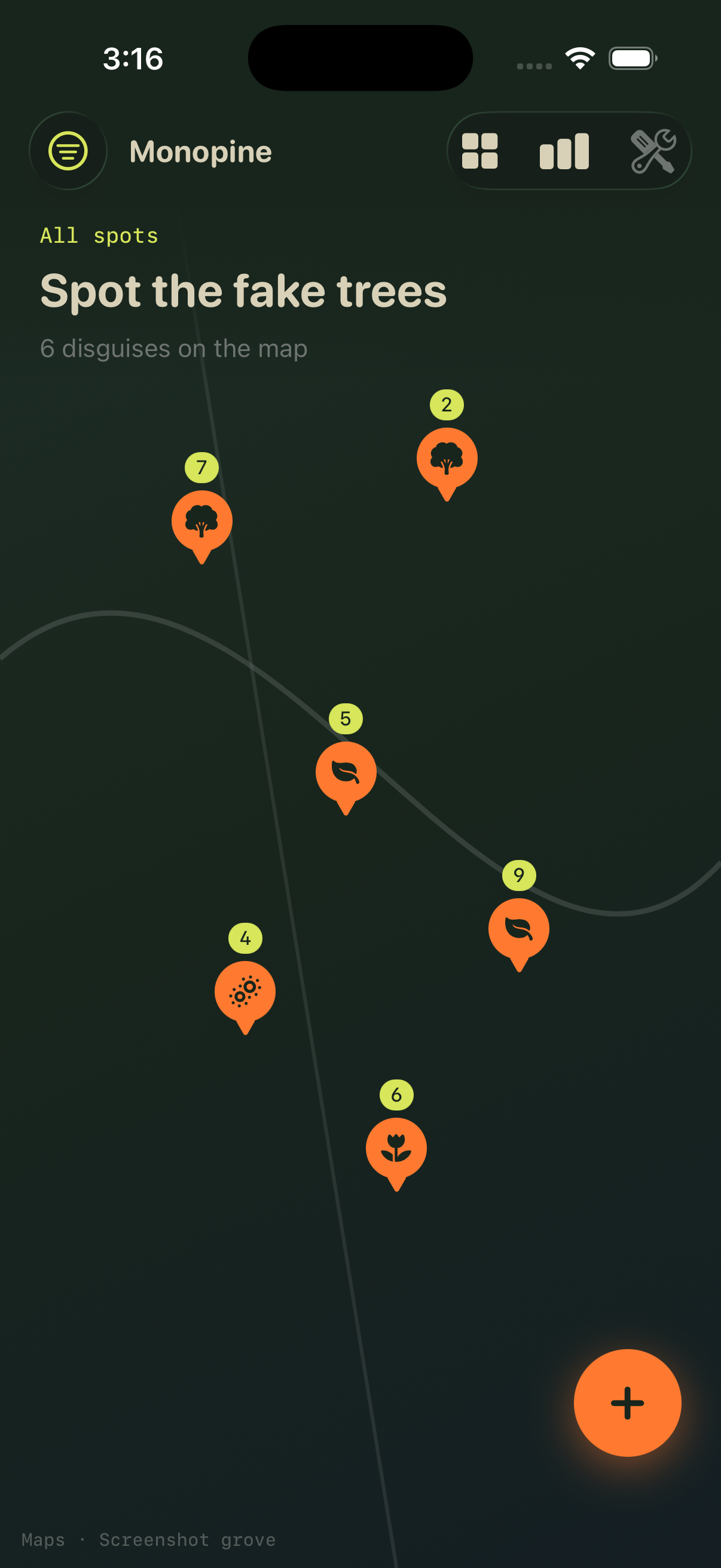
Drop GPS pins when you spot pine masts, palm props, cactus wraps, or other tower disguises. Each sighting lives on a forest-toned map you can revisit anytime.
Field spotting guide
A field guide for spotting cell towers dressed as fake trees — log pins, rate disguises, build your grove.

Miniminopine helps you document camouflaged towers in the wild — from suburban palm props to desert cactus wraps.
Drop GPS pins when you spot pine masts, palm props, cactus wraps, or other tower disguises. Each sighting lives on a forest-toned map you can revisit anytime.
Rate every fake tree from 1 to 10, note the tells that gave it away, and watch your Hall of Shame fill with parking-lot Christmas trees.
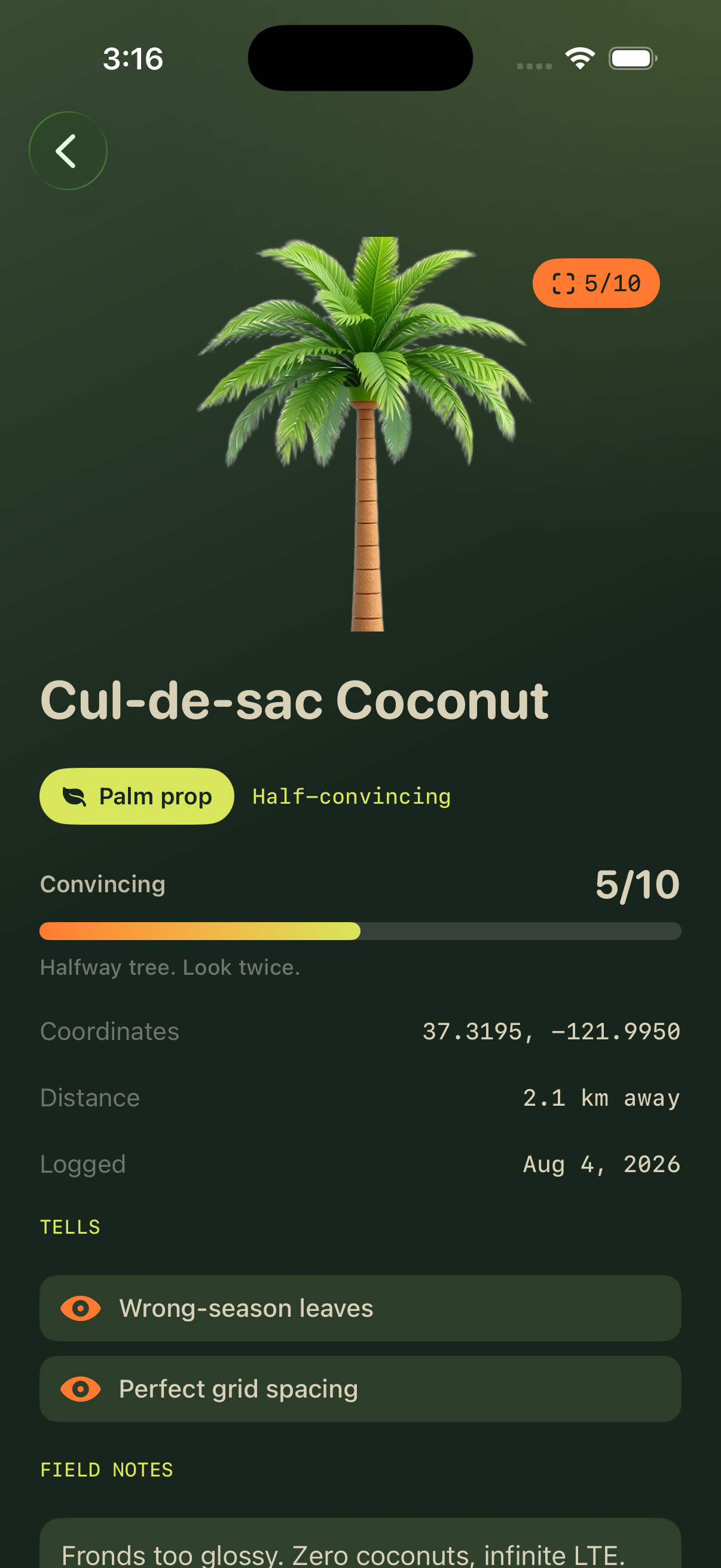
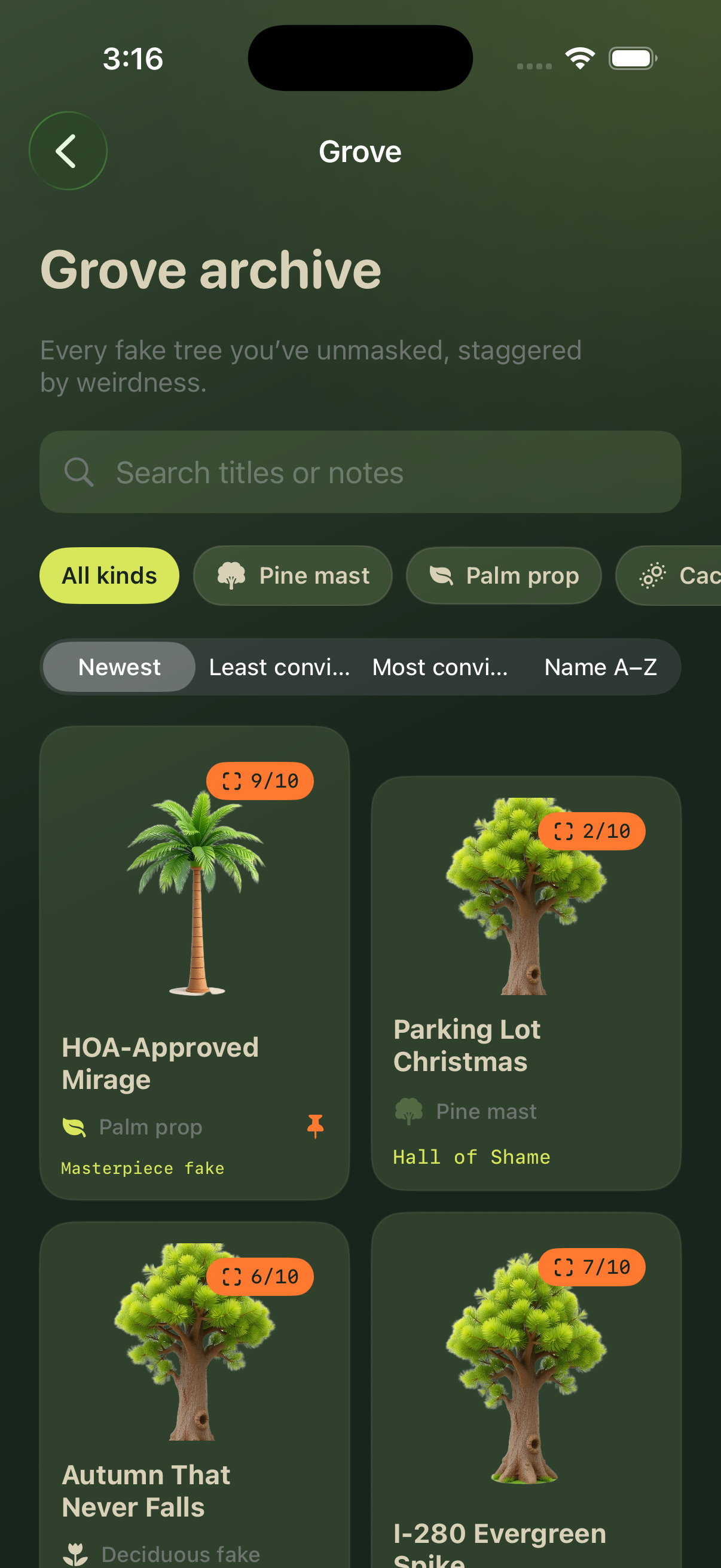
Filter the grove by disguise type, search titles and notes, and open detail cards with coordinates and shareable spotting cards.
Last updated: August 11, 2026
Miniminopine is built for local field spotting. The app stores your tower sightings, notes, scores, and preferences on your device. We do not operate user accounts, cloud sync, or advertising networks inside the app.
When you log a spotting, the app may use your location to attach GPS coordinates to that entry. Location is used only while you are using the app to place or refine pins on the map. You can control location access in iOS Settings.
Photos or share cards you create stay under your control through standard iOS sharing. We do not receive those exports unless you send them to someone yourself.
Diagnostic data is limited to what Apple provides through standard App Store distribution. We do not sell personal information.
If you delete the app, locally stored spotting data is removed with it unless you have backed up your device through iCloud or Finder.
We may update this policy when the app changes. Continued use after an update means you accept the revised policy.
Contact: deanealexis@shopdnbllc.org
Help with Miniminopine on iPhone and iPad.
For questions about logging spots, map permissions, or how convincing scores work, email us with your device model and iOS version. Screenshots of the screen you are asking about help us respond faster.
If location pins look wrong, open Settings → Privacy & Security → Location Services → Miniminopine and confirm While Using the App is enabled.
To reset demo data, open Field Kit inside the app and use Reload demo grove. Your own logged spots can be removed from each spot detail card.
Email: deanealexis@shopdnbllc.org
Copyright © 2026 Shop DNB LLC. All rights reserved.